

In today’s digital landscape, the demand for personalized customer interactions is at an all-time high. One innovative solution that has emerged is the creation of local AI chatbots that can operate without the need for an internet connection. This technology not only enhances user experience but also ensures data privacy and security. In this article, we will guide you through the essential steps to create a local AI chatbot that works without internet access, empowering you to provide immediate assistance to your users.
Whether you are a small business owner, a developer, or simply someone interested in the capabilities of artificial intelligence, understanding how to create a local AI chatbot can significantly enhance your operational efficiency. By leveraging the power of machine learning and natural language processing, you can build a chatbot that understands and responds to user queries in real-time, all while functioning seamlessly offline. Join us as we explore the tools, techniques, and best practices to bring your local AI chatbot to life.
Introduction
In an increasingly digital world, the demand for AI chatbots has surged. However, many users face challenges when it comes to internet connectivity. This article explores how to create a local AI chatbot that works without the need for an internet connection, providing clear, practical guidance to help you navigate this process effectively.
Understanding the fundamentals of how to create a local AI chatbot that works without internet access is essential for making informed decisions. By the end of this article, you will have a comprehensive understanding of the steps involved, the technologies required, and best practices to ensure your chatbot functions efficiently.
Key Concepts
Before diving into the creation process, it’s important to grasp some key concepts that will guide you through building your local AI chatbot.
- Local Deployment: Unlike cloud-based chatbots, a local AI chatbot operates on your device or local server, ensuring it is accessible without internet connectivity.
- Natural Language Processing (NLP): This technology enables the chatbot to understand and respond to human language, making interactions more natural and engaging.
- Machine Learning: By utilizing machine learning algorithms, your chatbot can improve its responses over time based on user interactions.
- Data Storage: Local chatbots require a method for storing data, such as user interactions and responses, which can be achieved using databases or local files.
Deep Dive
Now that you understand the key concepts, let’s delve deeper into the steps required to create a local AI chatbot that works without internet access.
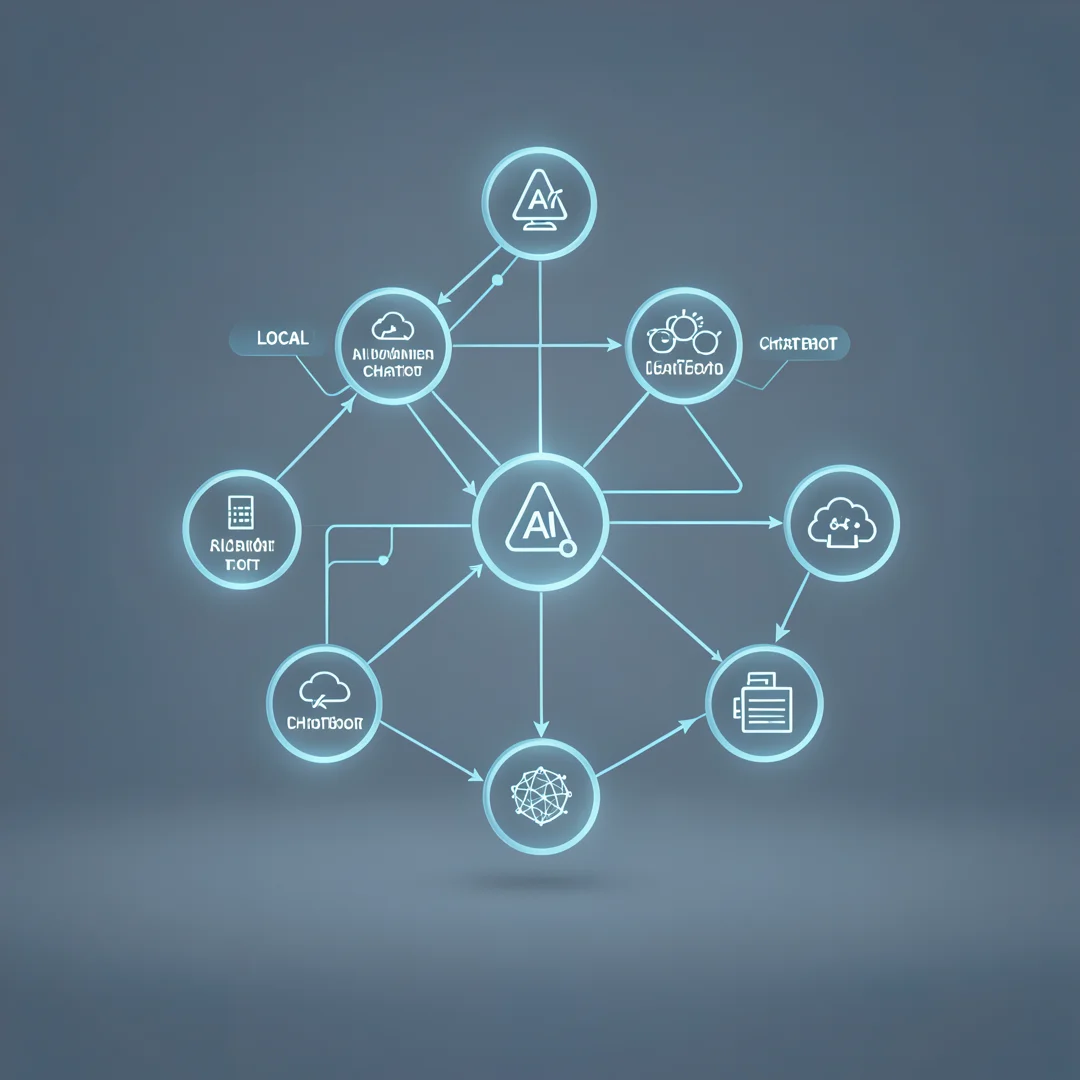
Step 1: Define the Purpose
Before you start building your chatbot, define its purpose. What tasks do you want it to perform? Whether it’s answering FAQs, providing customer support, or assisting with specific tasks, having a clear goal will guide your development process.
Step 2: Choose the Right Tools
Selecting the right tools is crucial for the successful development of your local AI chatbot. Here are some popular frameworks and libraries:
- Rasa: An open-source framework for building conversational AI, Rasa allows you to create chatbots that can run locally.
- ChatterBot: A Python library that makes it easy to generate automated responses to user inputs.
- Botpress: A powerful open-source platform designed for creating and managing chatbots locally.
Step 3: Develop the Chatbot
With your purpose defined and tools selected, it’s time to start developing your chatbot. Follow these steps:
- Set Up the Environment: Install the necessary software and libraries on your local machine.
- Create Intents and Entities: Define the intents (user goals) and entities (specific data points) that your chatbot will recognize.
- Build the Conversation Flow: Design the dialogue structure, including how the chatbot will respond to various user inputs.
- Implement NLP: Integrate NLP capabilities to enable your chatbot to understand and process user language effectively.
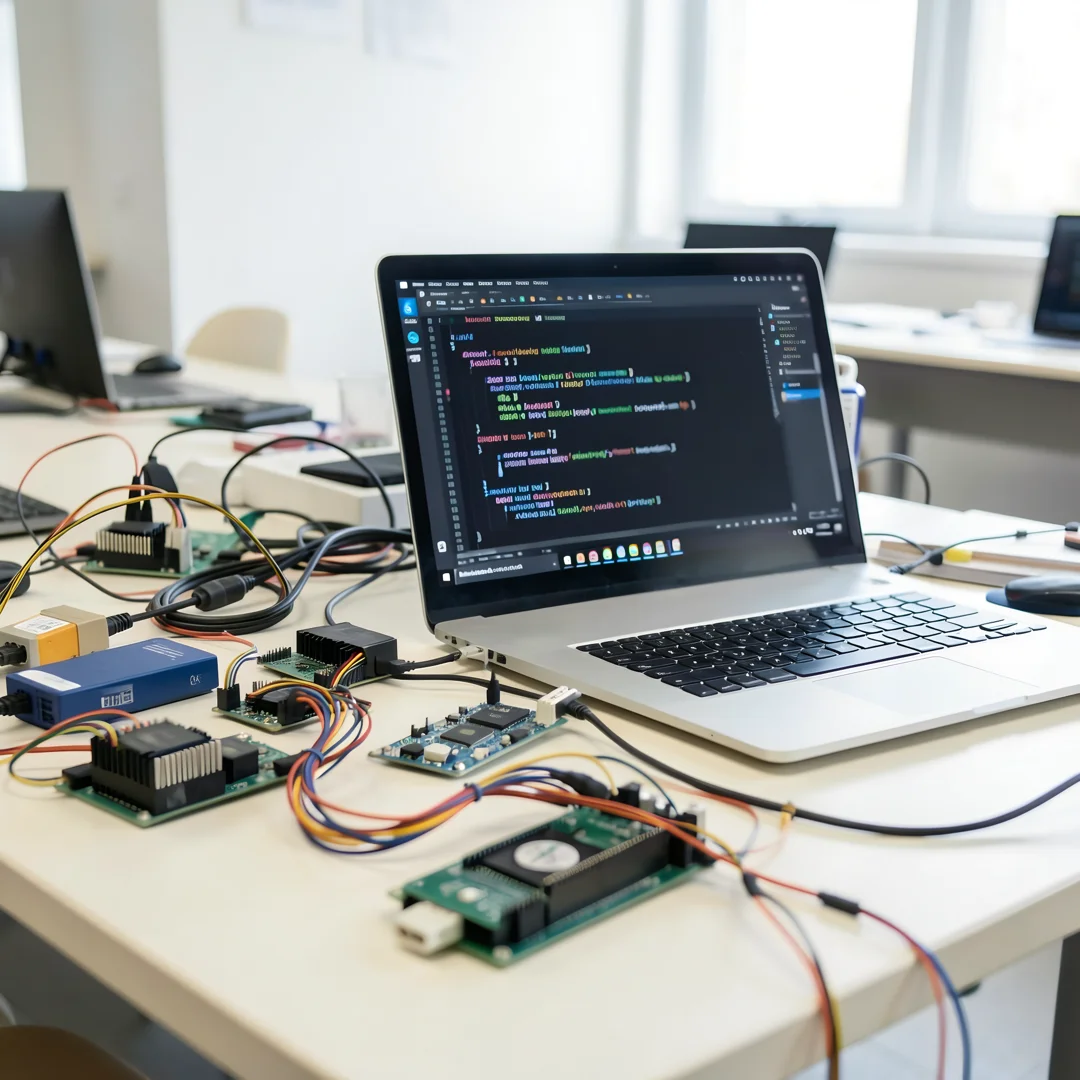
Step 4: Test Your Chatbot
Testing is a critical phase in chatbot development. Conduct thorough testing to ensure that your chatbot responds accurately and efficiently. Gather feedback from users to identify areas for improvement.
Step 5: Deploy Locally
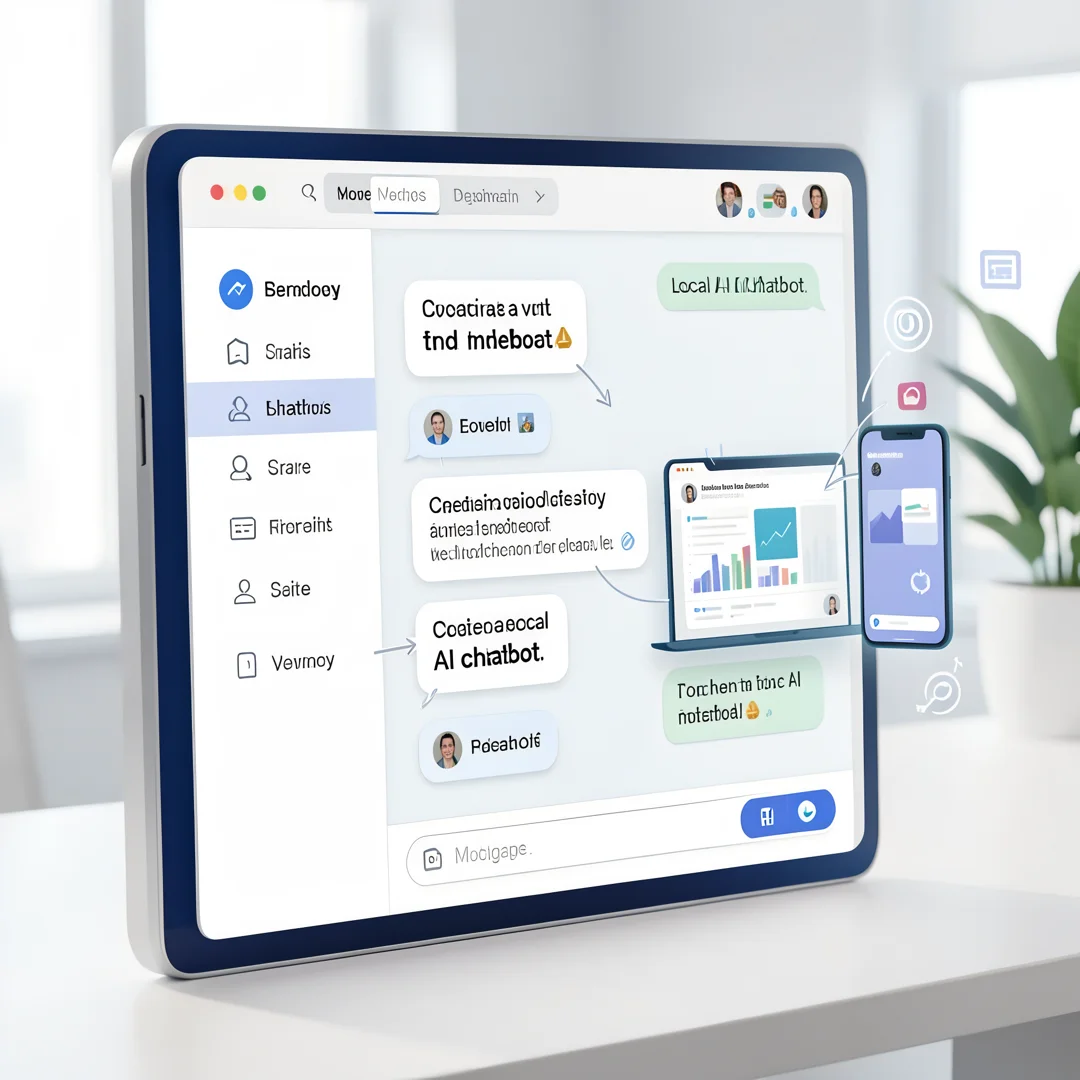
Once testing is complete, deploy your chatbot on your local machine or server. Ensure that it is accessible to users without requiring an internet connection.
Best Practices
To maximize the effectiveness of your local AI chatbot, consider the following best practices:
- Regular Updates: Continuously update your chatbot’s knowledge base and algorithms to improve performance and user experience.
- User Feedback: Encourage users to provide feedback on their interactions, which can help you refine the chatbot’s responses and capabilities.
- Data Privacy: Ensure that user data is stored securely and complies with relevant privacy regulations.
- Documentation: Maintain clear documentation for your chatbot’s functionalities and updates, making it easier for future developers to understand and enhance the system.
FAQ
What should I know about how to create a local AI chatbot that works without internet?
Creating a local AI chatbot requires an understanding of natural language processing, machine learning, and local deployment strategies. It is essential to choose the right tools and frameworks, define the chatbot’s purpose, and continuously test and update the system for optimal performance.
Who is this guide for?
This guide is designed for developers, businesses, and individuals interested in creating a local AI chatbot that can operate without internet connectivity. Whether you are a beginner or have some experience in AI development, this article provides actionable insights to help you succeed.
Conclusion
Creating a local AI chatbot that works without internet access is a feasible and rewarding endeavor. By understanding the key concepts, following the outlined steps, and adhering to best practices, you can develop a chatbot that meets your specific needs. Reliable information and consistent habits lead to better long-term outcomes, ensuring that your chatbot remains effective and relevant in an ever-evolving digital landscape.
Step-by-Step Guide
Follow these 8 steps in order. Each step includes detailed instructions and an image to guide you through How to Create a Local AI Chatbot That Works Without Internet.
Step 1: Understand the fundamentals
Learn the core concepts behind How to Create a Local AI Chatbot That Works Without Internet before taking action.
Take time to research How to Create a Local AI Chatbot That Works Without Internet from reliable sources and note questions that need clarification.
Many people benefit from breaking this stage into smaller tasks and completing one before moving to the next.
Document what works and what does not so you can refine your approach to How to Create a Local AI Chatbot That Works Without Internet over time.
Work through understand the fundamentals at a comfortable pace and confirm you understand each part before continuing.
Keep notes on anything specific to your device or situation so you can reference them later.
If something is unclear, pause and re-read the instructions rather than rushing ahead.
Many people find it helpful to complete this stage in one sitting to avoid losing context.
Expected result: You complete understand the fundamentals with a clear record of outcomes.
Tip: Review this step's results before proceeding to the next stage.
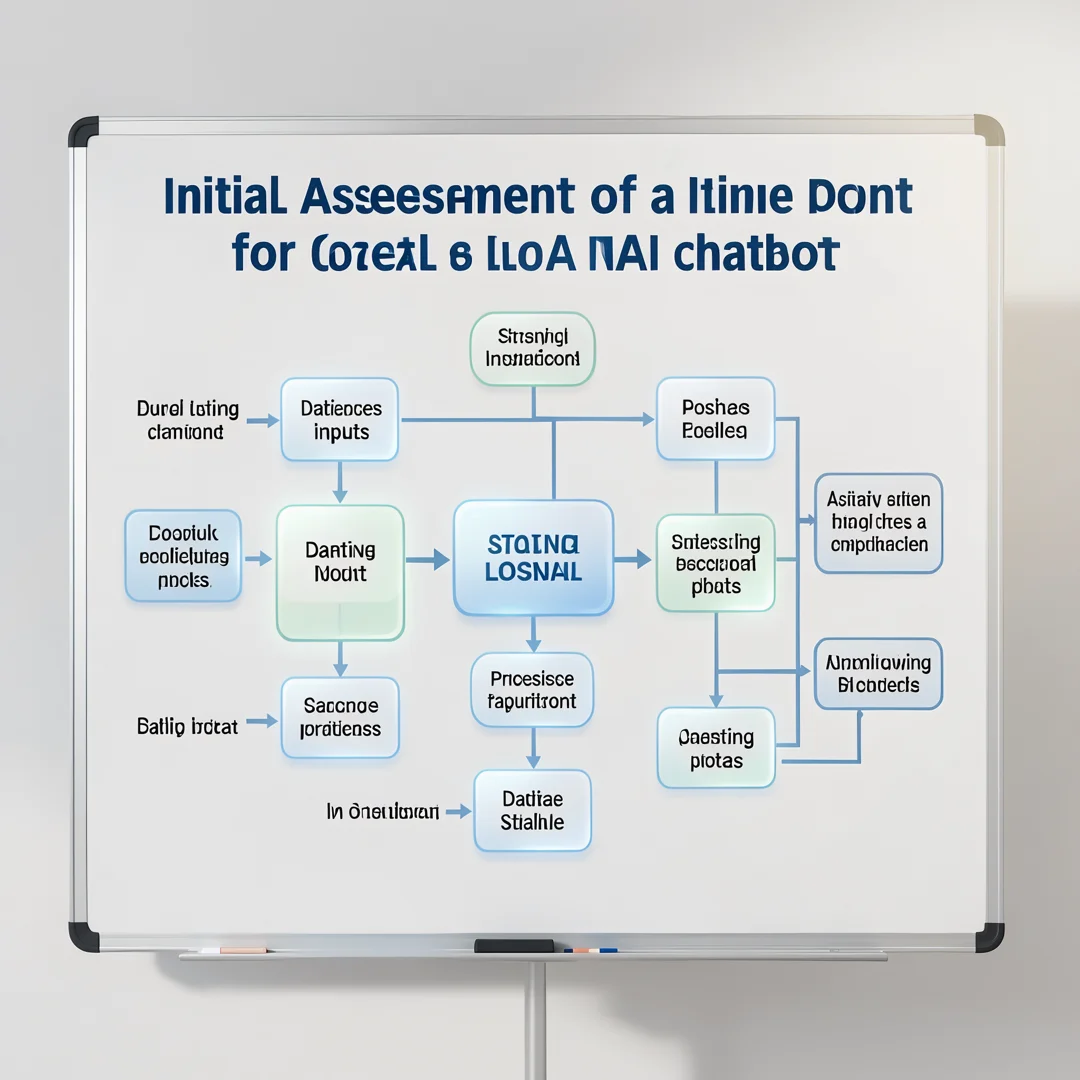
Step 2: Assess your starting point
Evaluate where you currently stand regarding How to Create a Local AI Chatbot That Works Without Internet.
Take time to research How to Create a Local AI Chatbot That Works Without Internet from reliable sources and note questions that need clarification.
Many people benefit from breaking this stage into smaller tasks and completing one before moving to the next.
Document what works and what does not so you can refine your approach to How to Create a Local AI Chatbot That Works Without Internet over time.
Work through assess your starting point at a comfortable pace and confirm you understand each part before continuing.
Keep notes on anything specific to your device or situation so you can reference them later.
If something is unclear, pause and re-read the instructions rather than rushing ahead.
Many people find it helpful to complete this stage in one sitting to avoid losing context.
Expected result: You complete assess your starting point with a clear record of outcomes.
Tip: Review this step's results before proceeding to the next stage.
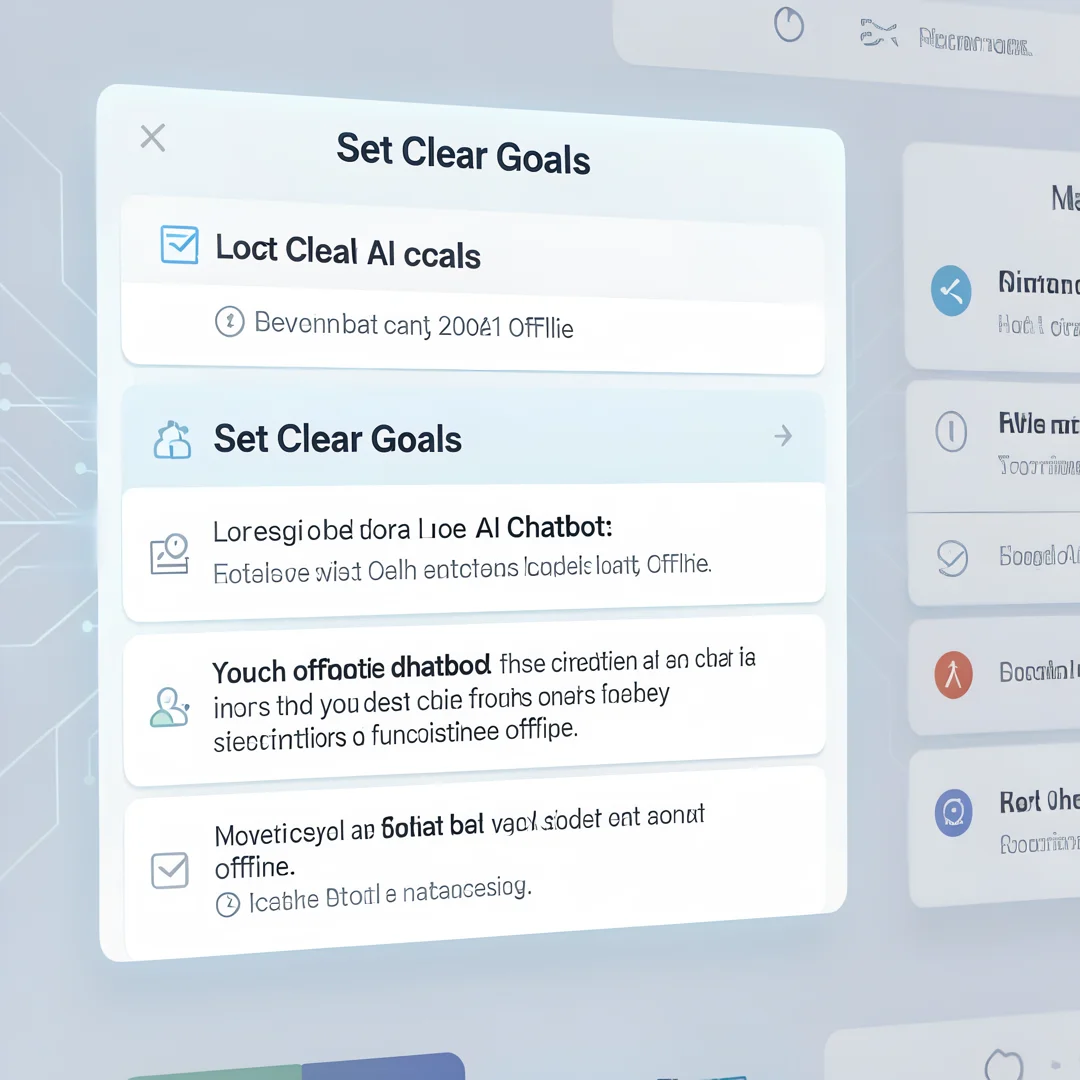
Step 3: Set clear goals
Define specific, measurable outcomes you want from How to Create a Local AI Chatbot That Works Without Internet.
Take time to research How to Create a Local AI Chatbot That Works Without Internet from reliable sources and note questions that need clarification.
Many people benefit from breaking this stage into smaller tasks and completing one before moving to the next.
Document what works and what does not so you can refine your approach to How to Create a Local AI Chatbot That Works Without Internet over time.
Work through set clear goals at a comfortable pace and confirm you understand each part before continuing.
Keep notes on anything specific to your device or situation so you can reference them later.
If something is unclear, pause and re-read the instructions rather than rushing ahead.
Many people find it helpful to complete this stage in one sitting to avoid losing context.
Expected result: You complete set clear goals with a clear record of outcomes.
Tip: Review this step's results before proceeding to the next stage.
Step 4: Gather necessary resources
Collect tools, information, and support needed for How to Create a Local AI Chatbot That Works Without Internet.
Take time to research How to Create a Local AI Chatbot That Works Without Internet from reliable sources and note questions that need clarification.
Many people benefit from breaking this stage into smaller tasks and completing one before moving to the next.
Document what works and what does not so you can refine your approach to How to Create a Local AI Chatbot That Works Without Internet over time.
Work through gather necessary resources at a comfortable pace and confirm you understand each part before continuing.
Keep notes on anything specific to your device or situation so you can reference them later.
If something is unclear, pause and re-read the instructions rather than rushing ahead.
Many people find it helpful to complete this stage in one sitting to avoid losing context.
Expected result: You complete gather necessary resources with a clear record of outcomes.
Tip: Review this step's results before proceeding to the next stage.
Step 5: Apply the core methods
Put the primary techniques for How to Create a Local AI Chatbot That Works Without Internet into practice systematically.
Take time to research How to Create a Local AI Chatbot That Works Without Internet from reliable sources and note questions that need clarification.
Many people benefit from breaking this stage into smaller tasks and completing one before moving to the next.
Document what works and what does not so you can refine your approach to How to Create a Local AI Chatbot That Works Without Internet over time.
Work through apply the core methods at a comfortable pace and confirm you understand each part before continuing.
Keep notes on anything specific to your device or situation so you can reference them later.
If something is unclear, pause and re-read the instructions rather than rushing ahead.
Many people find it helpful to complete this stage in one sitting to avoid losing context.
Expected result: You complete apply the core methods with a clear record of outcomes.
Tip: Review this step's results before proceeding to the next stage.

Step 6: Monitor your progress
Track results and adjust your approach to How to Create a Local AI Chatbot That Works Without Internet as needed.
Take time to research How to Create a Local AI Chatbot That Works Without Internet from reliable sources and note questions that need clarification.
Many people benefit from breaking this stage into smaller tasks and completing one before moving to the next.
Document what works and what does not so you can refine your approach to How to Create a Local AI Chatbot That Works Without Internet over time.
Work through monitor your progress at a comfortable pace and confirm you understand each part before continuing.
Keep notes on anything specific to your device or situation so you can reference them later.
If something is unclear, pause and re-read the instructions rather than rushing ahead.
Many people find it helpful to complete this stage in one sitting to avoid losing context.
Expected result: You complete monitor your progress with a clear record of outcomes.
Tip: Review this step's results before proceeding to the next stage.
Step 7: Address common challenges
Identify obstacles related to How to Create a Local AI Chatbot That Works Without Internet and plan solutions.
Take time to research How to Create a Local AI Chatbot That Works Without Internet from reliable sources and note questions that need clarification.
Many people benefit from breaking this stage into smaller tasks and completing one before moving to the next.
Document what works and what does not so you can refine your approach to How to Create a Local AI Chatbot That Works Without Internet over time.
Work through address common challenges at a comfortable pace and confirm you understand each part before continuing.
Keep notes on anything specific to your device or situation so you can reference them later.
If something is unclear, pause and re-read the instructions rather than rushing ahead.
Many people find it helpful to complete this stage in one sitting to avoid losing context.
Expected result: You complete address common challenges with a clear record of outcomes.
Tip: Review this step's results before proceeding to the next stage.

Step 8: Maintain long-term success
Build sustainable habits around How to Create a Local AI Chatbot That Works Without Internet for lasting results.
Take time to research How to Create a Local AI Chatbot That Works Without Internet from reliable sources and note questions that need clarification.
Many people benefit from breaking this stage into smaller tasks and completing one before moving to the next.
Document what works and what does not so you can refine your approach to How to Create a Local AI Chatbot That Works Without Internet over time.
Work through maintain long-term success at a comfortable pace and confirm you understand each part before continuing.
Keep notes on anything specific to your device or situation so you can reference them later.
If something is unclear, pause and re-read the instructions rather than rushing ahead.
Many people find it helpful to complete this stage in one sitting to avoid losing context.
Expected result: You complete maintain long-term success with a clear record of outcomes.
Tip: Review this step's results before proceeding to the next stage.
Best Practices
- Start with clear goals and track progress over time.
- Use trusted sources and verify important claims.
- Adjust recommendations to your personal situation and consult experts when needed.
Expert Insights
Readers searching for 'How to Create a Local AI Chatbot That Works Without Internet' want actionable advice without unnecessary jargon.
Structured sections with summaries improve readability and engagement.
Current Trends
- Increased demand for clear, trustworthy online guides
- Mobile-first reading habits
Key Statistics
- Consistent habits — Small daily improvements compound into meaningful results over time.
Frequently Asked Questions
What should I know about How to Create a Local AI Chatbot That Works Without Internet?
This guide covers the essentials of How to Create a Local AI Chatbot That Works Without Internet with practical steps you can apply right away.
Who is this guide for?
Anyone looking for a clear, structured overview without unnecessary complexity.
You now have a solid foundation for How to Create a Local AI Chatbot That Works Without Internet. Apply the best practices above and revisit this guide as your needs evolve.
