
8 min read • 1,785 words
In today’s digital age, the security of your online accounts is more crucial than ever. With countless data breaches reported annually, it’s essential to check password leak incidents to safeguard your personal information. Many users remain unaware that their passwords may have been compromised, putting them at risk of identity theft and unauthorized access to sensitive data. This article will guide you through the steps to determine if your password has been leaked online, using reliable tools and services.
Understanding the importance of checking for password leaks is vital for maintaining your online security. Services like Have I Been Pwned allow you to easily check if your email or password has been involved in any data breaches. By regularly monitoring your credentials, you can take proactive measures to protect yourself. This article will not only show you how to check for leaks but also explain the significance of using a password manager and changing your passwords frequently.
As you navigate the complexities of online security, knowing how to check password leak incidents can empower you to take control of your digital safety. In this article, you’ll learn about the tools available to monitor your passwords, the benefits of enabling two-factor authentication, and best practices for creating strong, unique passwords. By implementing these strategies, you can significantly reduce the risk of falling victim to cyber threats and ensure your online presence remains secure.
Step-by-Step Tutorial
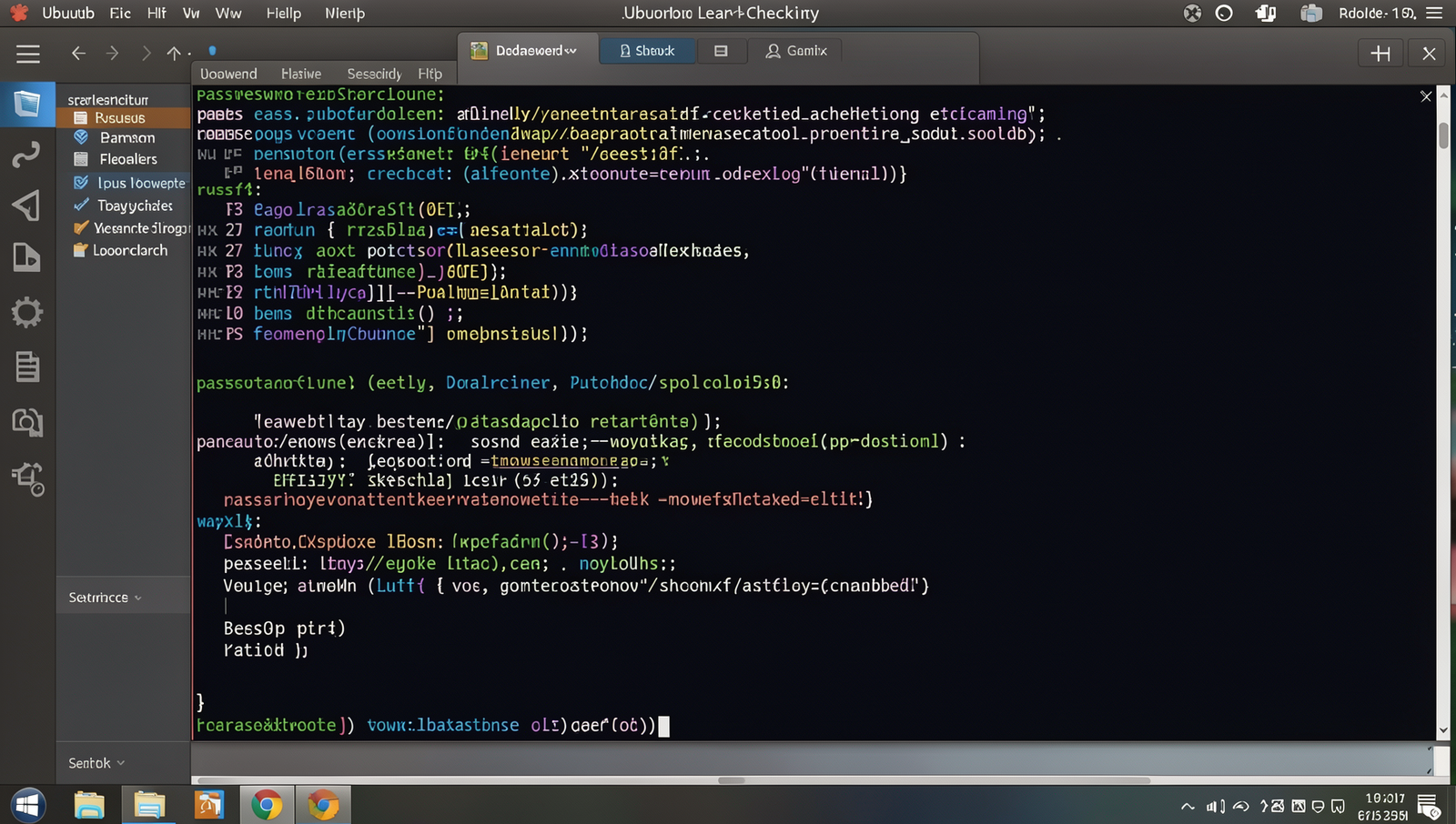
Step 1: Use a Password Leak Checking Service
- Choose a Reputable Service: Start by selecting a trusted password leak checking service. Popular options include:
- Visit the Website: Open your web browser and navigate to the chosen service’s website. Ensure you are on the official site to avoid phishing scams.
- Enter Your Information: Locate the input field where you can enter your email address or username associated with your accounts.
- Submit Your Query: Click the button to check for leaks. This may be labeled as “Check” or “Search.”
- Review the Report: After a few moments, the service will provide a report indicating whether your email or username has been compromised in any data breaches.
Tips: Use a unique email for each account to minimize risk. Consider using a password manager for better security.
Warnings: Always ensure you are on the official website to avoid phishing scams.
Troubleshooting & Verification
If you encounter issues while using a password leak checking service, ensure that you are entering your password correctly and that your internet connection is stable. Additionally, check if the service is currently operational by visiting their official website or social media channels for any announcements regarding downtime or maintenance.
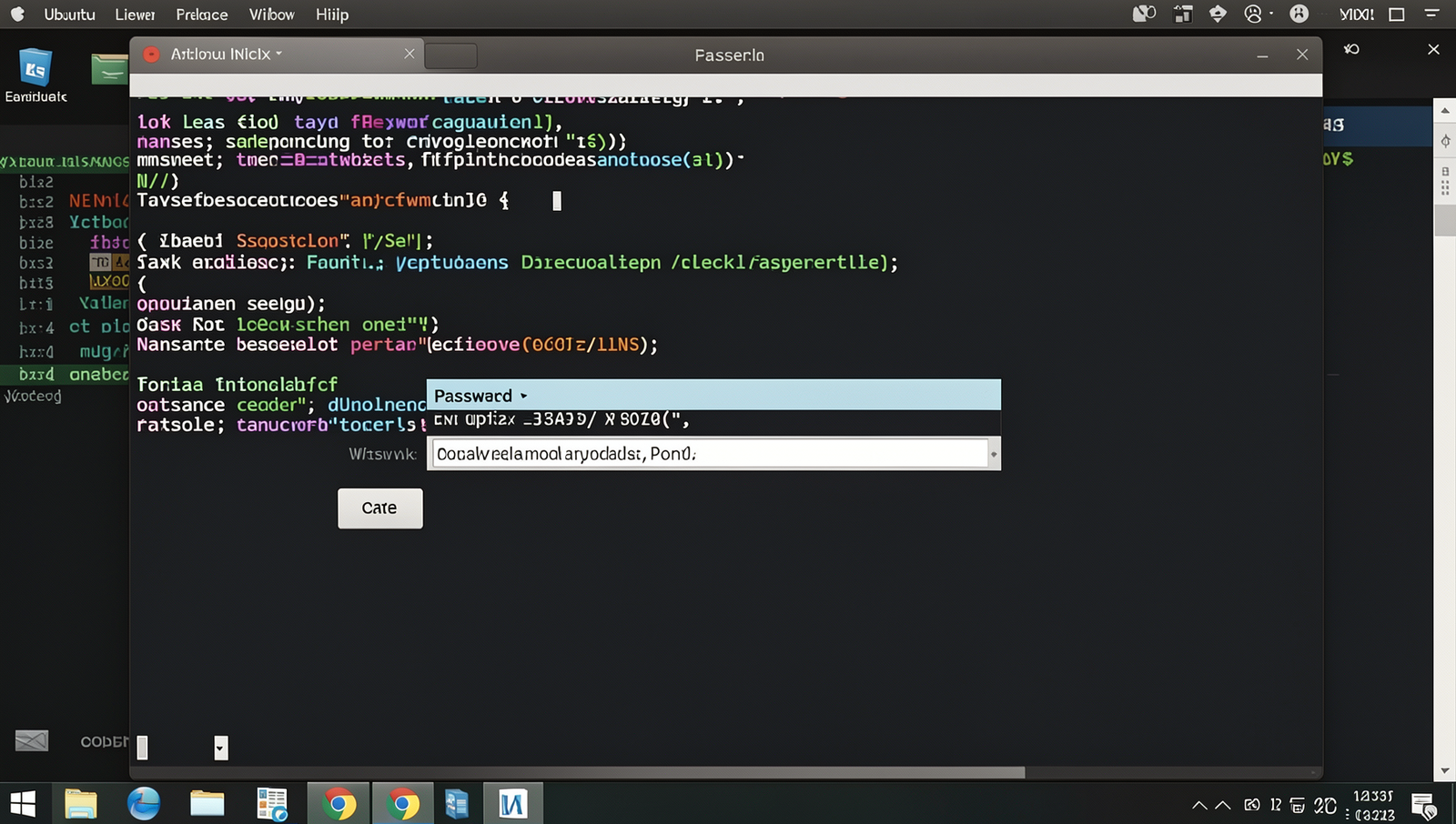
Step 2: Check Your Passwords Against Known Breaches
- Choose a Trusted Service: Select a reputable website that checks for password leaks, such as Have I Been Pwned or similar services. Ensure the site uses HTTPS to secure your data.
- Input Your Password: If the service allows, enter your password directly into the provided field. Be cautious and verify that the service is trustworthy before doing so.
- Review the Results: After submitting your password, the service will inform you if it has been found in any known data breaches. Take note of any alerts you receive.
- Take Action: If your password has been compromised, change it immediately. Use a password manager to generate and store complex passwords for better security.
Remember to change your passwords regularly and never use the same password across multiple sites. Avoid entering passwords on untrusted websites to protect your information.
Troubleshooting & Verification
If you encounter issues while checking your passwords, ensure you are using a reliable service like Have I Been Pwned. Verify your internet connection and browser compatibility. If results seem inaccurate, try clearing your browser cache or using a different browser. Always ensure you are entering your passwords correctly and securely.
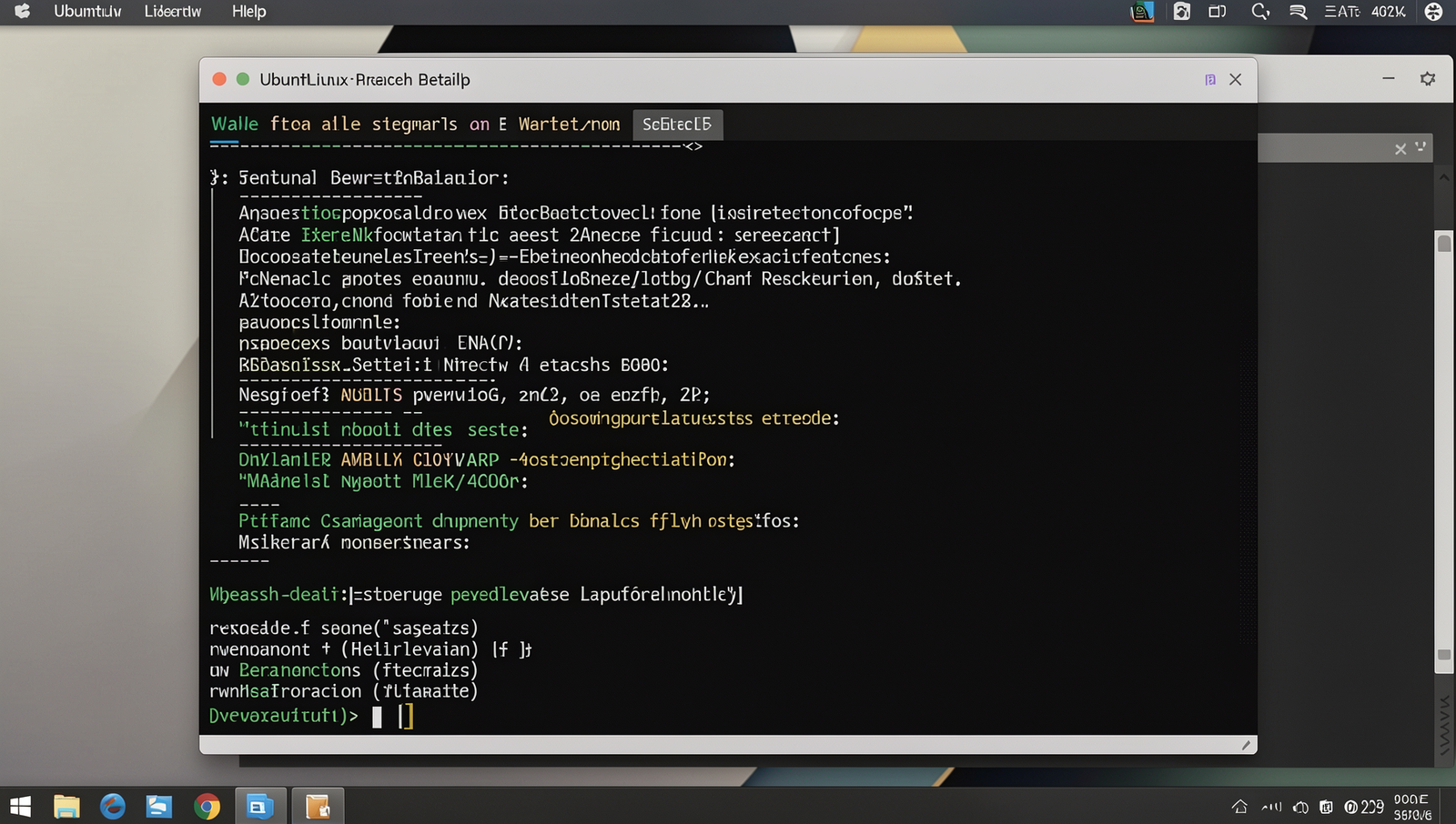
Step 3: Review Breach Details
- Access Breach Information: After checking your email or password, you will receive a report detailing the breach. Look for the name of the breached site and the date of the breach.
- Identify Compromised Data: Review the specific information that has been compromised. This may include your email address, password, and other personal details.
- Assess the Severity: Determine how serious the breach is. If it involves sensitive information, it may pose a greater risk to your accounts.
- Prioritize Account Security: Change passwords for any accounts associated with the breached site immediately. Use strong, unique passwords for each account.
- Enable Two-Factor Authentication: For added security, enable two-factor authentication (2FA) on your accounts whenever possible. This adds an extra layer of protection.
Be aware that some breaches may not disclose all compromised data. Act quickly to secure your accounts and minimize potential risks.
Troubleshooting & Verification
If you encounter issues while reviewing breach details, ensure you are using a reliable source like Have I Been Pwned. Check your internet connection and try refreshing the page. If the breach information seems outdated or incorrect, verify with multiple sources or contact support for assistance to confirm the accuracy of the data.
Step 4: Change Compromised Passwords
- Identify all accounts with compromised passwords from your previous checks. Make a list of these accounts to ensure you don’t miss any.
- For each account, navigate to the login page and select the option to change your password. This is often found in the account settings or security section.
- Create a new password that is strong and unique. Use a combination of uppercase letters, lowercase letters, numbers, and special characters. Aim for a length of at least 12 characters.
- Consider using a passphrase, which can be easier to remember. For example, use a sentence or a combination of unrelated words.
- If you have multiple accounts, consider using a password manager to generate and store your new passwords securely. This will help you avoid reusing old passwords.
Remember to avoid easily guessable passwords like password123 and ensure that you do not reuse any old passwords. Keeping your accounts secure is essential for protecting your personal information.
Troubleshooting & Verification
If you encounter issues while changing your compromised passwords, ensure you are using a strong, unique password that meets security requirements. Verify that the password change was successful by attempting to log in. Additionally, enable two-factor authentication for added security and regularly check your accounts for any unauthorized access.
Step 5: Monitor Your Accounts Regularly
- Set Up Account Alerts: Enable notifications for any unusual activity on your accounts. This can include alerts for login attempts from new devices or changes to your account settings.
- Review Transactions: Regularly check your bank and credit card statements for unauthorized transactions. Report any suspicious activity immediately.
- Use a Password Manager: Consider using a password manager that can alert you if your passwords are compromised in a data breach.
- Check Security Questions: Ensure your security questions are not easily guessable. Choose questions that only you would know the answers to.
- Stay Informed: Subscribe to services that notify you of new breaches involving your email or accounts. This proactive approach can help you respond quickly.
By following these steps, you will be able to detect any unauthorized access quickly and take appropriate action. Remember to remain vigilant for phishing attempts even after changing your passwords and regularly check your accounts for any signs of compromise.
Troubleshooting & Verification
To ensure your accounts remain secure, regularly check your login activity and account settings. If you notice any unauthorized access, change your password immediately. Utilize security features like two-factor authentication for added protection. Additionally, consider using a password manager to help track and update your passwords securely, minimizing the risk of future leaks.
Conclusion
In today’s digital age, ensuring the security of your online accounts is paramount. To check for a password leak, start by using reputable services like Have I Been Pwned or similar password monitoring tools. Regularly updating your passwords and enabling two-factor authentication can further safeguard your accounts. By proactively checking for password leaks, you can mitigate the risk of identity theft and unauthorized access to your personal information.
After checking for a password leak, if you discover that your credentials have been compromised, it’s crucial to act swiftly. Change your passwords immediately and consider using a password manager to create strong, unique passwords for each account. Staying vigilant and informed about your online security will help you maintain control over your digital life.
Frequently Asked Questions
How can I check if my password has been leaked online?
To check if your password has been leaked online, you can use various online services such as Have I Been Pwned or Firefox Monitor. These platforms allow you to enter your email address or password to see if it has been involved in any data breaches. They aggregate information from numerous breaches and provide a report on whether your credentials are compromised. Always ensure you are using reputable sites to avoid phishing attempts. Additionally, consider enabling two-factor authentication on your accounts for added security.
What should I do if my password has been leaked?
If you discover that your password has been leaked, the first step is to change it immediately. Use a strong, unique password that combines letters, numbers, and symbols. If the compromised password was used across multiple accounts, change those as well. It’s also advisable to enable two-factor authentication wherever possible to enhance security. Monitor your accounts for any suspicious activity and consider using a password manager to help generate and store strong passwords securely.
Are there any tools to monitor my passwords for leaks?
Yes, there are several tools available that can help monitor your passwords for leaks. Password managers like LastPass and 1Password often include features that alert you if your passwords have been compromised. Additionally, services like Have I Been Pwned offer notifications when your email appears in new data breaches. Some antivirus software also includes password monitoring features. Regularly using these tools can help you stay informed about the security of your credentials and take action promptly if needed.
How often should I check for password leaks?
It is advisable to check for password leaks at least once every few months, but more frequent checks can provide better security. Whenever you hear about a major data breach, it’s a good idea to check your accounts immediately. Additionally, if you suspect that your account may have been compromised or if you use the same password across multiple sites, you should check right away. Regularly updating your passwords and using unique passwords for different accounts can also mitigate risks associated with leaks.
