
In today’s digital age, establishing an online presence is crucial for businesses of all sizes. If you’re looking to create a simple online store, Python and Django offer a powerful combination that can help you achieve your goals efficiently. This guide will walk you through the essential steps to build a simple online store with Python and Django, ensuring you have all the tools and knowledge needed to get started.
Whether you’re a seasoned developer or a beginner eager to learn, this article will provide clear, actionable information to help you navigate the process. From setting up your development environment to deploying your online store, we will cover each aspect in detail. By the end of this guide, you’ll be equipped with the skills to launch your own online store and take your first steps into the world of e-commerce.
Introduction
Building an online store has never been more accessible, thanks to powerful frameworks like Python and Django. This article explores how to build a simple online store with Python and Django, providing clear, practical guidance for readers seeking to create their own e-commerce platform. Understanding the fundamentals of this process not only helps you make informed decisions but also sets the foundation for a successful online business.
Key Concepts
Before diving into the specifics of building your online store, it’s essential to grasp some key concepts related to Python, Django, and e-commerce development.
- Python: A versatile programming language known for its readability and simplicity, making it an excellent choice for beginners and experienced developers alike.
- Django: A high-level Python web framework that encourages rapid development and clean, pragmatic design. It comes with built-in features that simplify many common web development tasks.
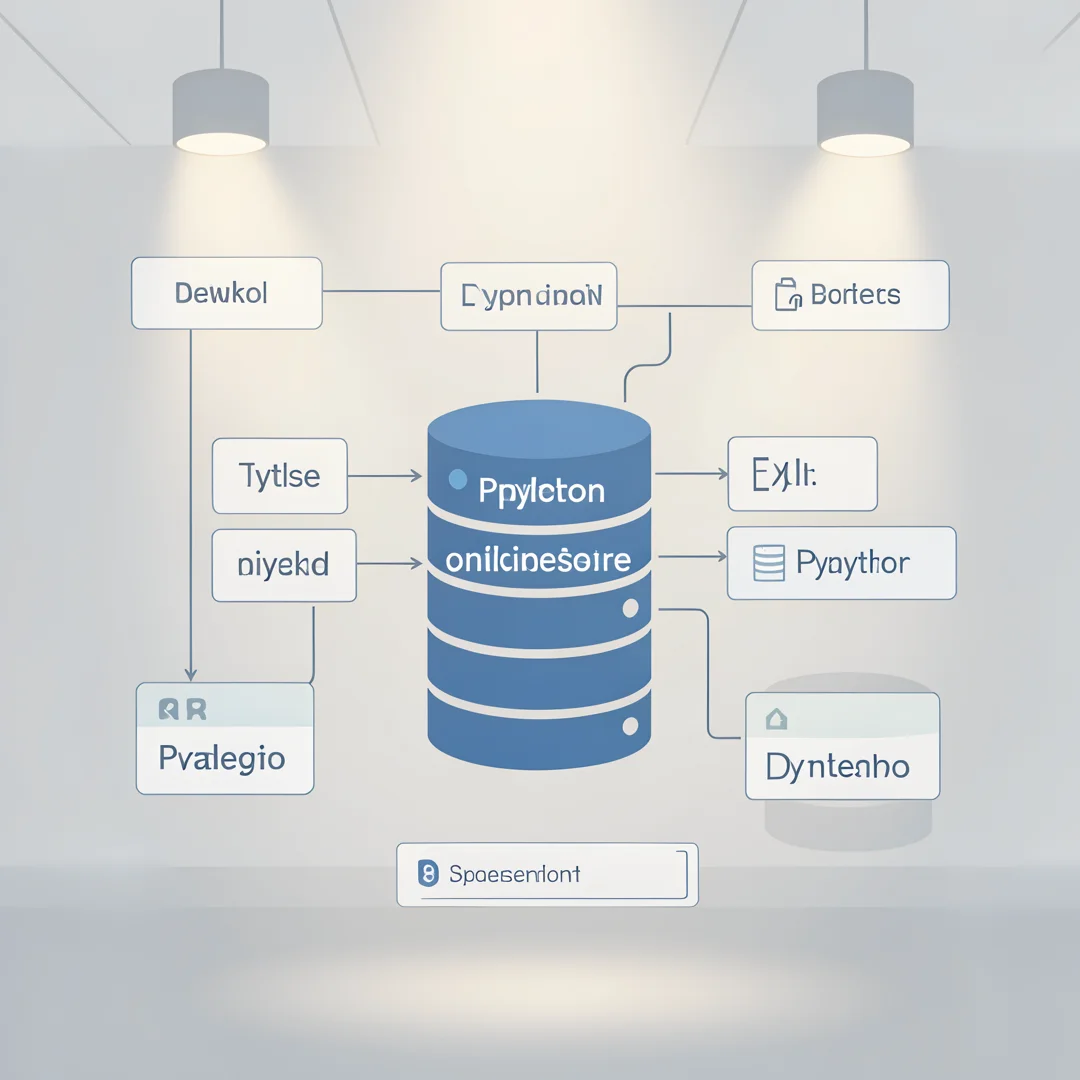
- Models: In Django, models define the structure of your data. They represent the database schema and help manage the data in your application.
- Views: Views are responsible for processing user requests and returning responses. They act as the bridge between models and templates.
- Templates: Templates define how your data is presented to users. They allow you to create dynamic HTML pages that display your store’s products and information.
Deep Dive
Now that you understand the key concepts, let’s dive deeper into the steps required to build your online store using Python and Django.
Step 1: Setting Up Your Environment
Before you start coding, you need to set up your development environment. Follow these steps:
- Install Python from the official website.
- Install Django using pip, Python’s package manager, by running the command
pip install django. - Create a new Django project by running
django-admin startproject mystore. - Navigate into your project directory with
cd mystore. - Start the development server using
python manage.py runserver.

Step 2: Creating the Store App
In Django, applications are modular components of your project. To create your store app, execute the following command:
python manage.py startapp store
This command creates a new directory called “store” where you will define your models, views, and templates.
Step 3: Defining Models
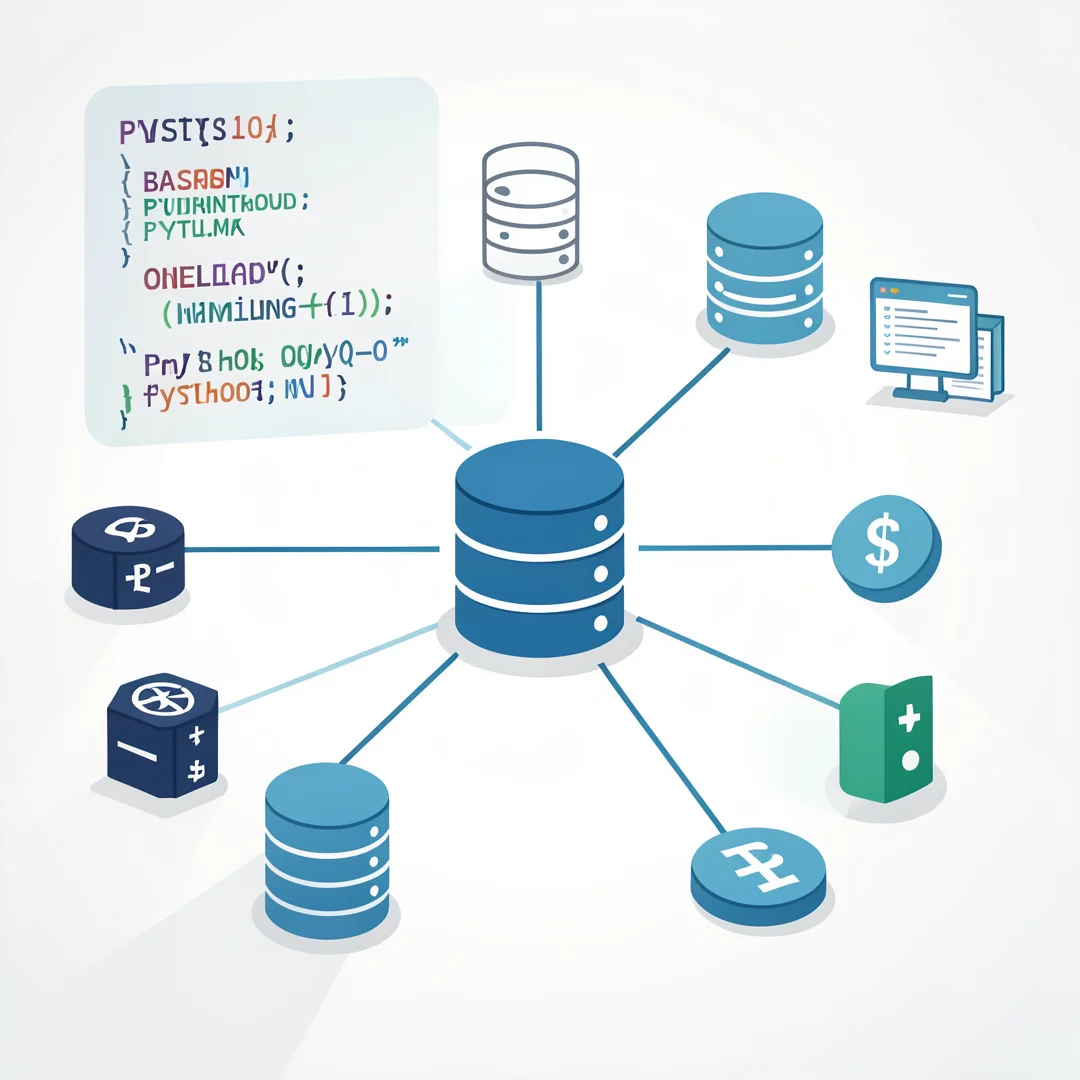
Next, you need to define the models for your products. Open the models.py file in the “store” directory and create a Product model:
class Product(models.Model):
    name = models.CharField(max_length=100)
    description = models.TextField()
    price = models.DecimalField(max_digits=10, decimal_places=2)
    stock = models.IntegerField()
    created_at = models.DateTimeField(auto_now_add=True)
After defining your models, run python manage.py makemigrations and python manage.py migrate to create the corresponding database tables.

Step 4: Creating Views
Now, let’s create views to display your products. Open the views.py file in the “store” directory and add the following code:
from django.shortcuts import render
from .models import Product

def product_list(request):
    products = Product.objects.all()
    return render(request, 'store/product_list.html', {'products': products})
Step 5: Setting Up URLs
To make your views accessible, you need to set up URLs. Create a new file called urls.py in the “store” directory and add the following code:
from django.urls import path
from .views import product_list

urlpatterns = [
    path('', product_list, name='product_list'),
]
Then, include the store URLs in your project’s main urls.py file:
from django.urls import include, path

urlpatterns = [
    path('store/', include('store.urls')),
]

Step 6: Creating Templates
Finally, create a template to display your products. Create a new directory called templates inside the “store” directory, and then create a file named product_list.html:
    Product List


    Products
-
{% for product in products %}
- {{ product.name }} - ${{ product.price }} {% endfor %}
Best Practices
To ensure the success of your online store, consider the following best practices:
- Keep Your Code Organized: Maintain a clean project structure to make it easier to manage and scale your application.
- Implement User Authentication: Allow users to create accounts and log in to enhance the shopping experience.
- Optimize for SEO: Use descriptive URLs, meta tags, and alt text for images to improve your store’s visibility in search engines.
- Test Your Application: Regularly test your application for bugs and usability issues to provide a seamless experience for your customers.
- Monitor Performance: Use analytics tools to track user behavior and sales, allowing you to make data-driven decisions.
FAQ
What should I know about How to Build a Simple Online Store With Python and Django?
Before starting, it’s crucial to have a basic understanding of Python and web development principles. Familiarity with Django’s architecture and components will also help streamline the development process.
Who is this guide for?
This guide is designed for individuals who are interested in building an online store, whether you are a beginner looking to learn web development or an experienced developer seeking to expand your skill set. It provides clear, actionable information that can be applied regardless of your current level of expertise.
Conclusion
Building a simple online store with Python and Django is an achievable goal with the right guidance and commitment. By understanding the fundamentals and following best practices, you can create a robust e-commerce platform that meets your needs. Remember, reliable information and consistent habits lead to better long-term outcomes, so continue learning and refining your skills as you grow your online business.
Step-by-Step Guide
Follow these 8 steps in order. Each step includes detailed instructions and an image to guide you through How to Build a Simple Online Store With Python and Django.
Step 1: Understand the fundamentals
Learn the core concepts behind How to Build a Simple Online Store With Python and Django before taking action.
Take time to research How to Build a Simple Online Store With Python and Django from reliable sources and note questions that need clarification.
Many people benefit from breaking this stage into smaller tasks and completing one before moving to the next.
Document what works and what does not so you can refine your approach to How to Build a Simple Online Store With Python and Django over time.
Work through understand the fundamentals at a comfortable pace and confirm you understand each part before continuing.
Keep notes on anything specific to your device or situation so you can reference them later.
If something is unclear, pause and re-read the instructions rather than rushing ahead.
Many people find it helpful to complete this stage in one sitting to avoid losing context.
Expected result: You complete understand the fundamentals with a clear record of outcomes.
Tip: Review this step's results before proceeding to the next stage.
Step 2: Assess your starting point
Evaluate where you currently stand regarding How to Build a Simple Online Store With Python and Django.
Take time to research How to Build a Simple Online Store With Python and Django from reliable sources and note questions that need clarification.
Many people benefit from breaking this stage into smaller tasks and completing one before moving to the next.
Document what works and what does not so you can refine your approach to How to Build a Simple Online Store With Python and Django over time.
Work through assess your starting point at a comfortable pace and confirm you understand each part before continuing.
Keep notes on anything specific to your device or situation so you can reference them later.
If something is unclear, pause and re-read the instructions rather than rushing ahead.
Many people find it helpful to complete this stage in one sitting to avoid losing context.
Expected result: You complete assess your starting point with a clear record of outcomes.
Tip: Review this step's results before proceeding to the next stage.
Step 3: Set clear goals
Define specific, measurable outcomes you want from How to Build a Simple Online Store With Python and Django.
Take time to research How to Build a Simple Online Store With Python and Django from reliable sources and note questions that need clarification.
Many people benefit from breaking this stage into smaller tasks and completing one before moving to the next.
Document what works and what does not so you can refine your approach to How to Build a Simple Online Store With Python and Django over time.
Work through set clear goals at a comfortable pace and confirm you understand each part before continuing.
Keep notes on anything specific to your device or situation so you can reference them later.
If something is unclear, pause and re-read the instructions rather than rushing ahead.
Many people find it helpful to complete this stage in one sitting to avoid losing context.
Expected result: You complete set clear goals with a clear record of outcomes.
Tip: Review this step's results before proceeding to the next stage.
Step 4: Gather necessary resources
Collect tools, information, and support needed for How to Build a Simple Online Store With Python and Django.
Take time to research How to Build a Simple Online Store With Python and Django from reliable sources and note questions that need clarification.
Many people benefit from breaking this stage into smaller tasks and completing one before moving to the next.
Document what works and what does not so you can refine your approach to How to Build a Simple Online Store With Python and Django over time.
Work through gather necessary resources at a comfortable pace and confirm you understand each part before continuing.
Keep notes on anything specific to your device or situation so you can reference them later.
If something is unclear, pause and re-read the instructions rather than rushing ahead.
Many people find it helpful to complete this stage in one sitting to avoid losing context.
Expected result: You complete gather necessary resources with a clear record of outcomes.
Tip: Review this step's results before proceeding to the next stage.
Step 5: Apply the core methods
Put the primary techniques for How to Build a Simple Online Store With Python and Django into practice systematically.
Take time to research How to Build a Simple Online Store With Python and Django from reliable sources and note questions that need clarification.
Many people benefit from breaking this stage into smaller tasks and completing one before moving to the next.
Document what works and what does not so you can refine your approach to How to Build a Simple Online Store With Python and Django over time.
Work through apply the core methods at a comfortable pace and confirm you understand each part before continuing.
Keep notes on anything specific to your device or situation so you can reference them later.
If something is unclear, pause and re-read the instructions rather than rushing ahead.
Many people find it helpful to complete this stage in one sitting to avoid losing context.
Expected result: You complete apply the core methods with a clear record of outcomes.
Tip: Review this step's results before proceeding to the next stage.
Step 6: Monitor your progress
Track results and adjust your approach to How to Build a Simple Online Store With Python and Django as needed.
Take time to research How to Build a Simple Online Store With Python and Django from reliable sources and note questions that need clarification.
Many people benefit from breaking this stage into smaller tasks and completing one before moving to the next.
Document what works and what does not so you can refine your approach to How to Build a Simple Online Store With Python and Django over time.
Work through monitor your progress at a comfortable pace and confirm you understand each part before continuing.
Keep notes on anything specific to your device or situation so you can reference them later.
If something is unclear, pause and re-read the instructions rather than rushing ahead.
Many people find it helpful to complete this stage in one sitting to avoid losing context.
Expected result: You complete monitor your progress with a clear record of outcomes.
Tip: Review this step's results before proceeding to the next stage.
Step 7: Address common challenges
Identify obstacles related to How to Build a Simple Online Store With Python and Django and plan solutions.
Take time to research How to Build a Simple Online Store With Python and Django from reliable sources and note questions that need clarification.
Many people benefit from breaking this stage into smaller tasks and completing one before moving to the next.
Document what works and what does not so you can refine your approach to How to Build a Simple Online Store With Python and Django over time.
Work through address common challenges at a comfortable pace and confirm you understand each part before continuing.
Keep notes on anything specific to your device or situation so you can reference them later.
If something is unclear, pause and re-read the instructions rather than rushing ahead.
Many people find it helpful to complete this stage in one sitting to avoid losing context.
Expected result: You complete address common challenges with a clear record of outcomes.
Tip: Review this step's results before proceeding to the next stage.

Step 8: Maintain long-term success
Build sustainable habits around How to Build a Simple Online Store With Python and Django for lasting results.
Take time to research How to Build a Simple Online Store With Python and Django from reliable sources and note questions that need clarification.
Many people benefit from breaking this stage into smaller tasks and completing one before moving to the next.
Document what works and what does not so you can refine your approach to How to Build a Simple Online Store With Python and Django over time.
Work through maintain long-term success at a comfortable pace and confirm you understand each part before continuing.
Keep notes on anything specific to your device or situation so you can reference them later.
If something is unclear, pause and re-read the instructions rather than rushing ahead.
Many people find it helpful to complete this stage in one sitting to avoid losing context.
Expected result: You complete maintain long-term success with a clear record of outcomes.
Tip: Review this step's results before proceeding to the next stage.
Best Practices
- Start with clear goals and track progress over time.
- Use trusted sources and verify important claims.
- Adjust recommendations to your personal situation and consult experts when needed.
Expert Insights
Readers searching for 'How to Build a Simple Online Store With Python and Django' want actionable advice without unnecessary jargon.
Structured sections with summaries improve readability and engagement.
Current Trends
- Increased demand for clear, trustworthy online guides
- Mobile-first reading habits
Key Statistics
- Consistent habits — Small daily improvements compound into meaningful results over time.
Frequently Asked Questions
What should I know about How to Build a Simple Online Store With Python and Django?
This guide covers the essentials of How to Build a Simple Online Store With Python and Django with practical steps you can apply right away.
Who is this guide for?
Anyone looking for a clear, structured overview without unnecessary complexity.
You now have a solid foundation for How to Build a Simple Online Store With Python and Django. Apply the best practices above and revisit this guide as your needs evolve.
